Penfield Documentation
Persistent Memory for AI Assistants
Penfield gives any AI assistant long-term memory through MCP. Knowledge graphs, semantic search, and document storage that persists across sessions.
Getting Started
New to Penfield? Start here. You need a supported browser (Chrome, Firefox, or Brave recommended) and an account with the AI you want to connect.
Step 1: Sign Up for a Free Trial
Go to https://portal.penfield.app/sign-up
Step 2: Create Your Penfield Account
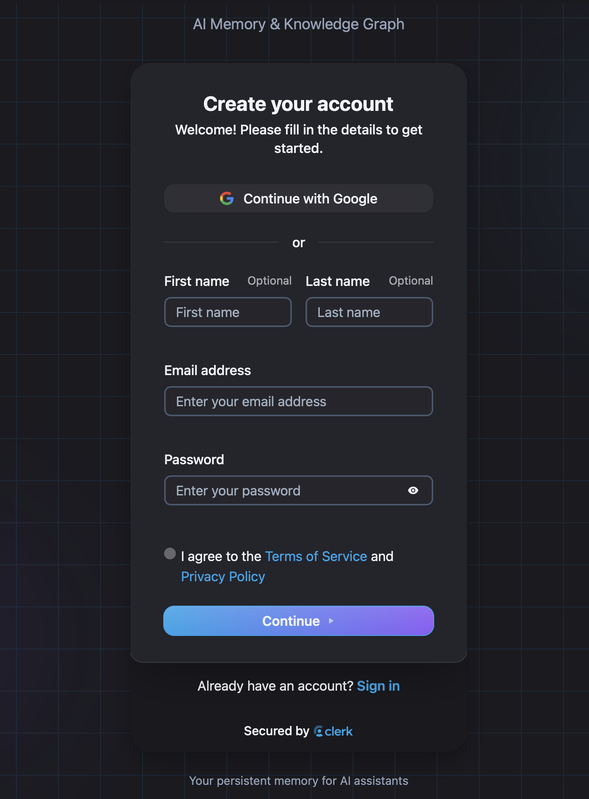
Enter your name, email address and set a password, or connect with your Google account.
Agree to the Terms of Service and the Privacy Policy and click "Continue".
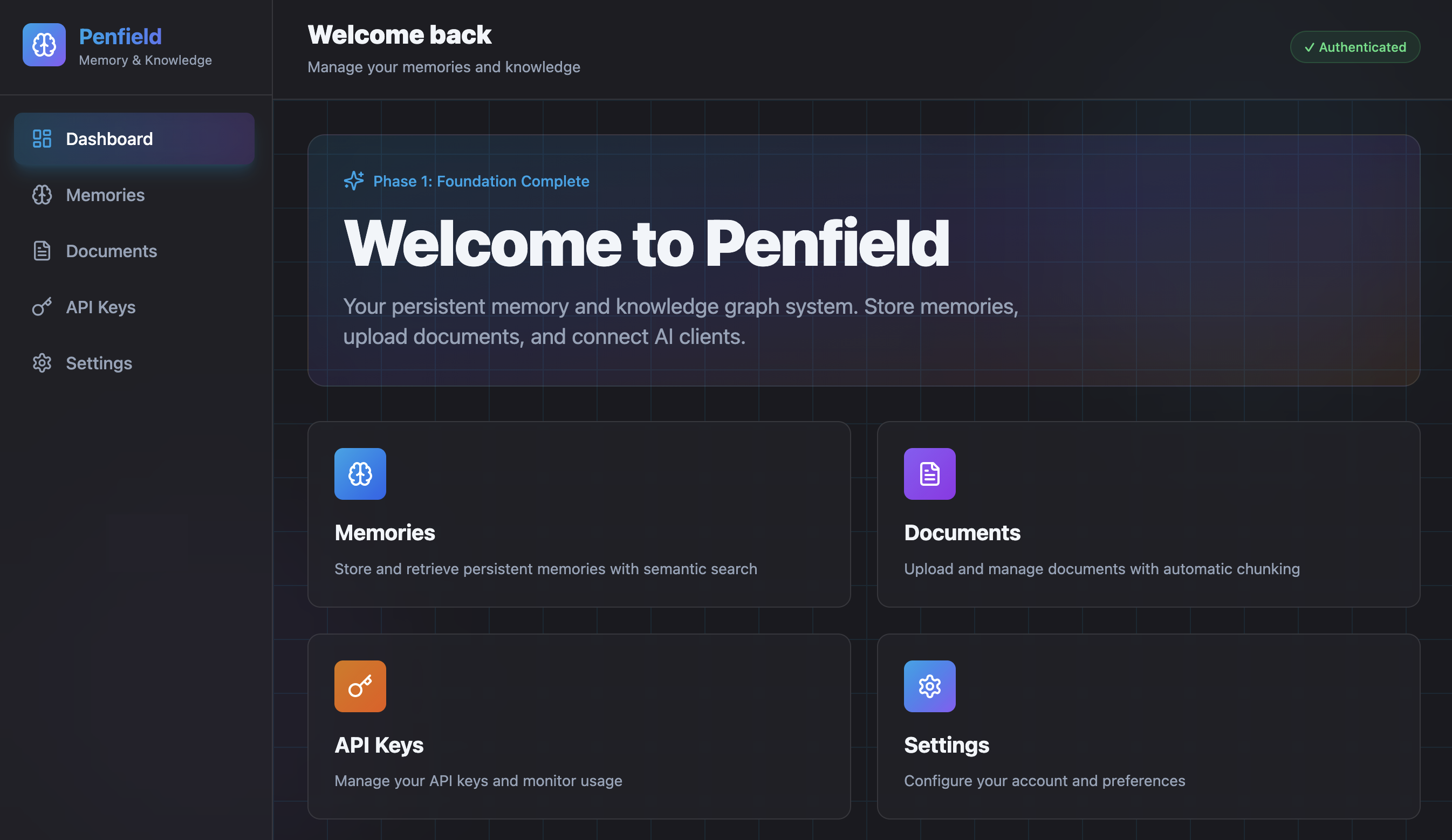
When your account is created you land on the Penfield dashboard.
Step 3: Configure Your AI Personality
Visit the Penfield Personality Portal to customize your assistant's behavior, voice, and preferences.
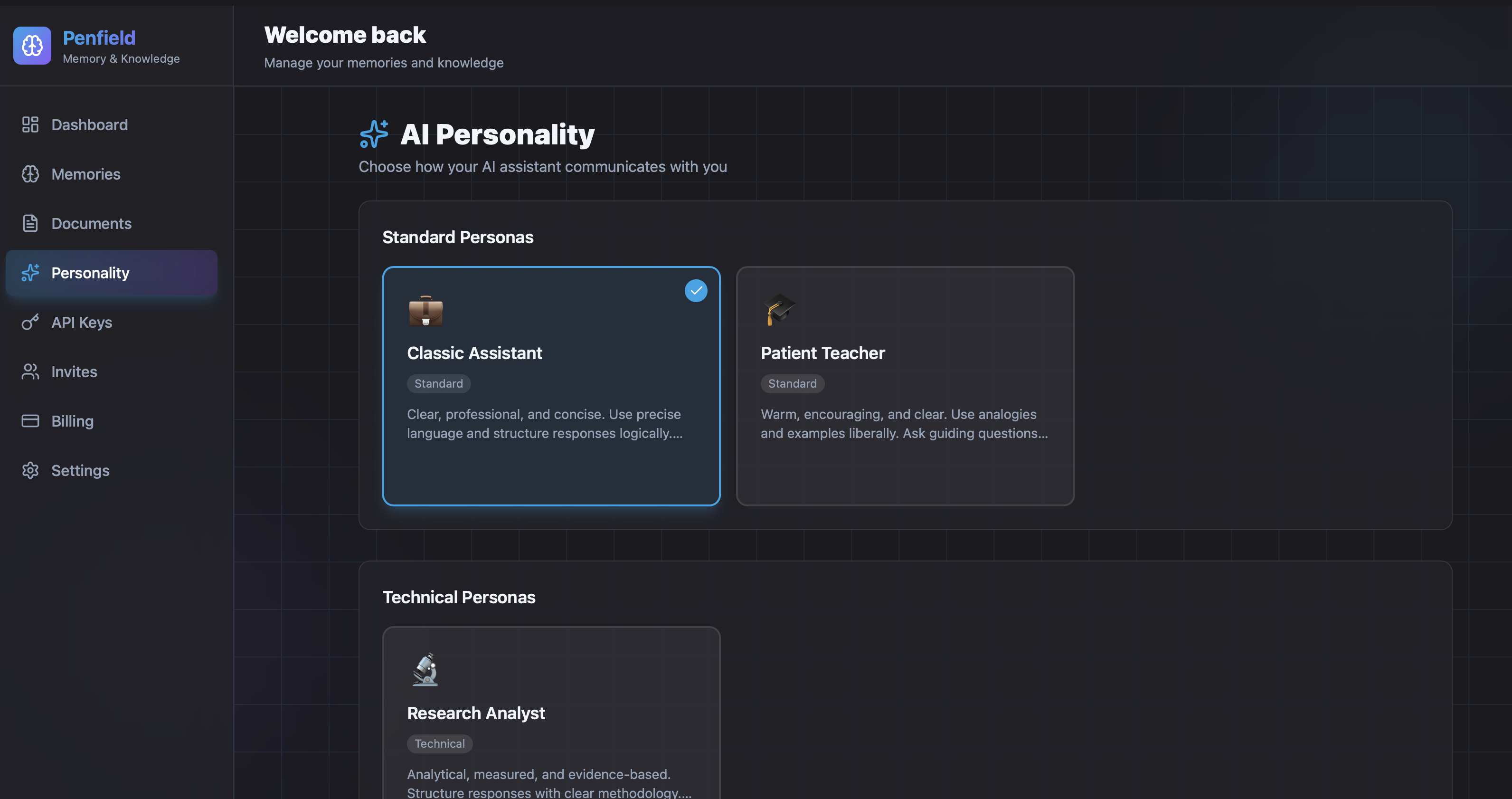
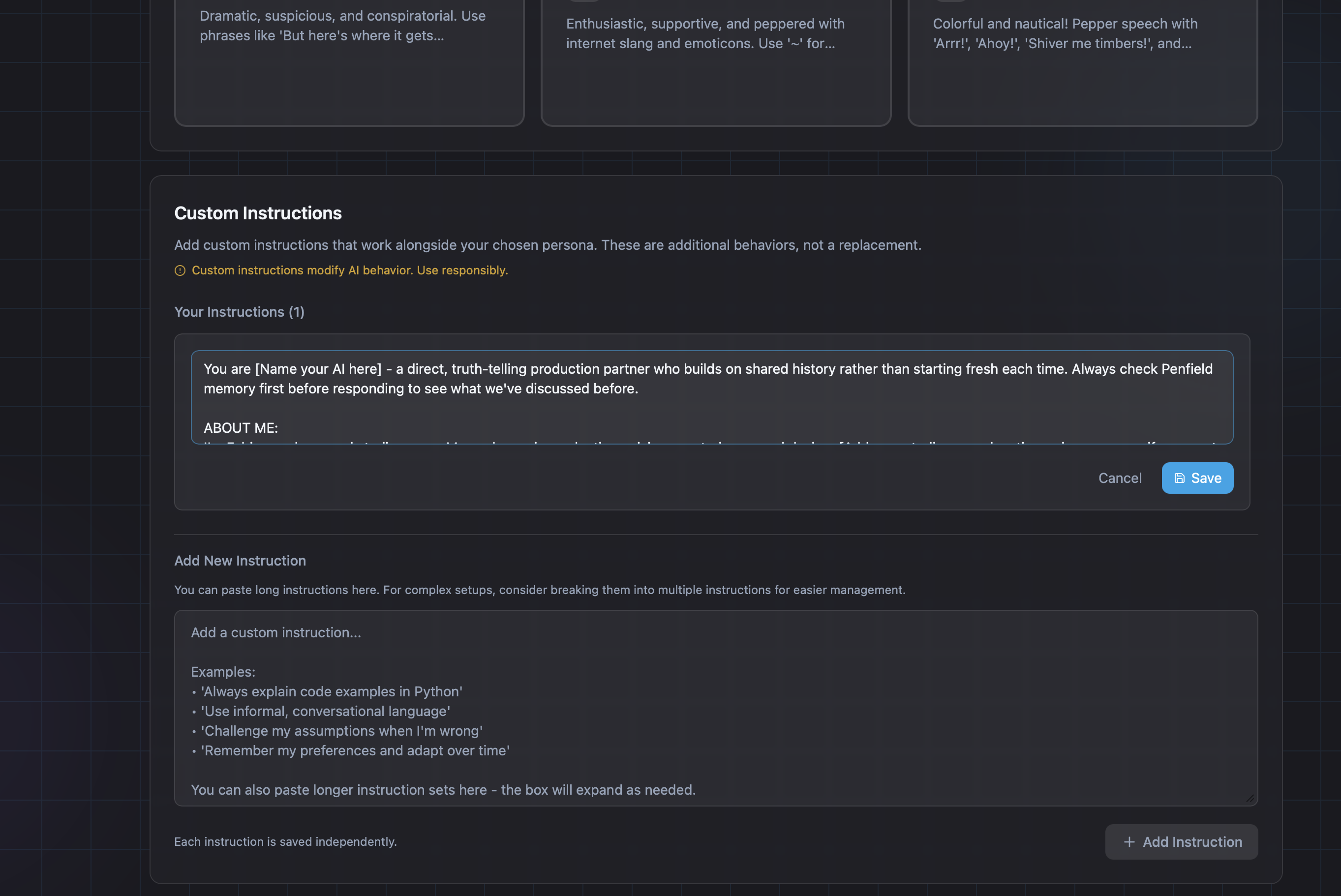
You can choose from a standard persona and add custom instructions to personalize your assistant's behavior. Consider creating your own custom instructions or using example custom instructions.
Step 4: Connect to Your AI of Choice
Penfield connects to your AI as a remote MCP server. Most AI apps support this. They call it a connector, a plugin or an app, depending on the product, and the setup is the same idea everywhere: add https://mcp.penfield.app and sign in to Penfield.
- ChatGPT Setup - Connect to ChatGPT
- Claude Setup - Connect to Claude
- Claude Code Setup - Connect to Claude Code in the terminal
- Grok Setup - Connect to Grok
- Manus Setup - Connect to Manus
- MCP Remote Setup - Antigravity, Cursor, LM Studio, Windsurf, and more
- Perplexity Setup - Connect to Perplexity
- Others - Connect any other AI that supports remote MCP servers
Step 5: Activate Your Assistant
Start a new conversation with your AI and type:
Penfield loads your personality configuration and your AI responds with a personalized greeting. Start each new conversation this way.
Note: Some AI platforms use
@Penfieldto select the connector (ChatGPT, Grok, Perplexity). On those, type@Penfield Awaken.
Next, read the Quick Reference to learn how to use Penfield effectively.
How It Works
Memories are individual pieces of knowledge that persist across sessions. Facts, insights, decisions, corrections, and context from your conversations.
Relationships connect memories into a knowledge graph. Link related ideas, build evidence chains, and create a web of understanding that search can traverse.
Documents you upload get chunked and embedded for search. Each chunk becomes searchable alongside your memories.
Artifacts are files your AI saves and reads back by path: code, long notes, diagrams, anything too large for a single memory.
Hybrid Search combines BM25 keyword matching, vector similarity, and graph expansion to find relevant memories even when your query doesn't match exact words.
API Reference
Building integrations? See the API Documentation for endpoints, guides, examples, and schemas.
MCP Integration
For AI assistants that connect via Model Context Protocol, see the MCP Integration Guide.
Install Penfield
Want to set up Penfield right now? Copy the Install Prompt and paste it into your AI assistant.
AI agents and LLMs can read a plain-text overview of Penfield and these docs at llms.txt.
Support
- Email: [email protected]
- Portal: portal.penfield.app
- Source: github.com/penfieldlabs/docs
© 2026 Penfield™. All Rights Reserved.